
A Zone is a structure in which physical and virtual interfaces are grouped to control and manage network traffic. This structure is used to control traffic passing through specific interfaces.
Click on the Network->Zone menu on the interface screen.
On the screen that opens, LAN interfaces that are not in any zone definition are displayed in the Default field.
Click on Add and define a zone named LOCAL.
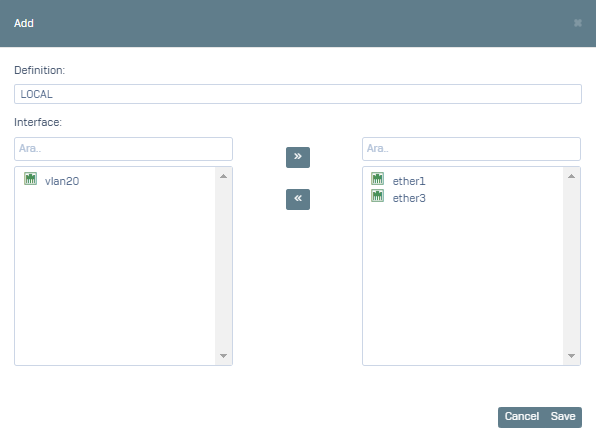
After you click Save, you can test it.