
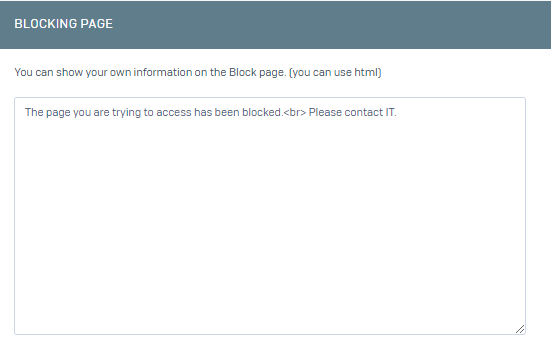
On the interface screen, click on the Device Settings->Customization->Blocking Page menu.
On the screen that opens, you can write a message in html format.
After saying Save, we try to access a site that we had previously selected as banned for testing.
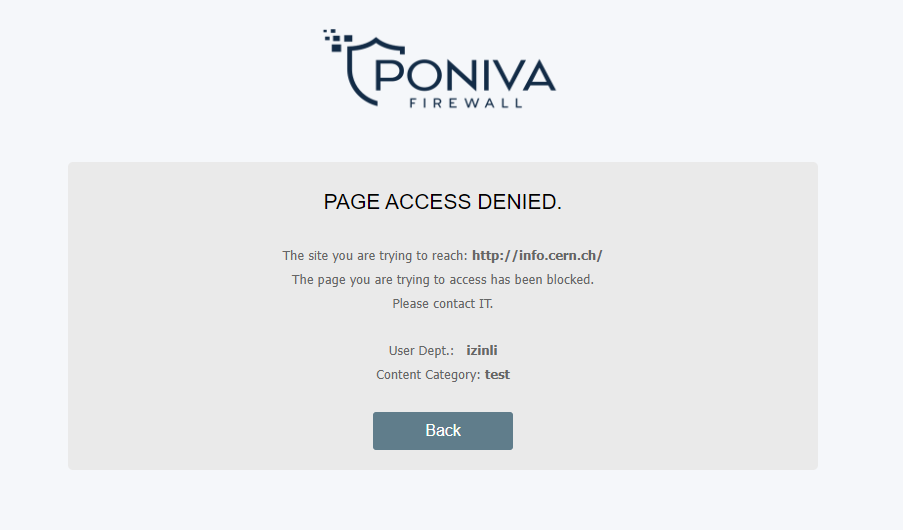
If you want to change the logo, click on the Device Settings->Customisation->Page Customisation menu.

Here you can upload a logo in png format by clicking on the upload button under Blocking Page Actions.