
When accessing your network or a specific server, you can only allow connections from the countries you specify. This will automatically block requests from all regions other than the countries you specify.
On the Poniva Interface screen, click on the Device Settings->Device Management menu. On the screen that opens, click on the SECURITY SETTINGS field.
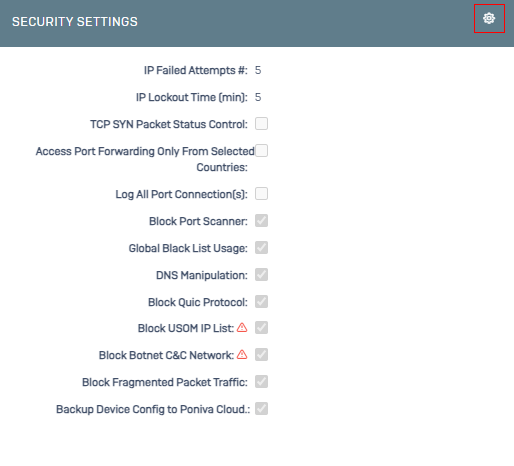
On the screen that opens, we activate the Access Port Forwards from Selected Countries option.
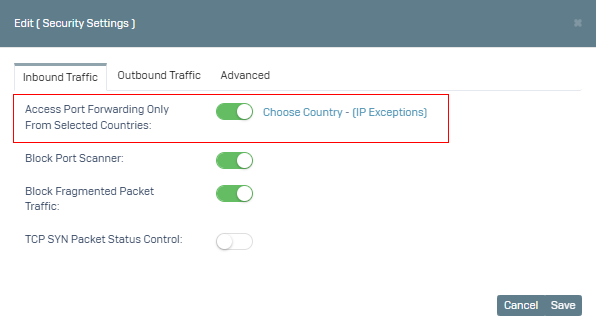
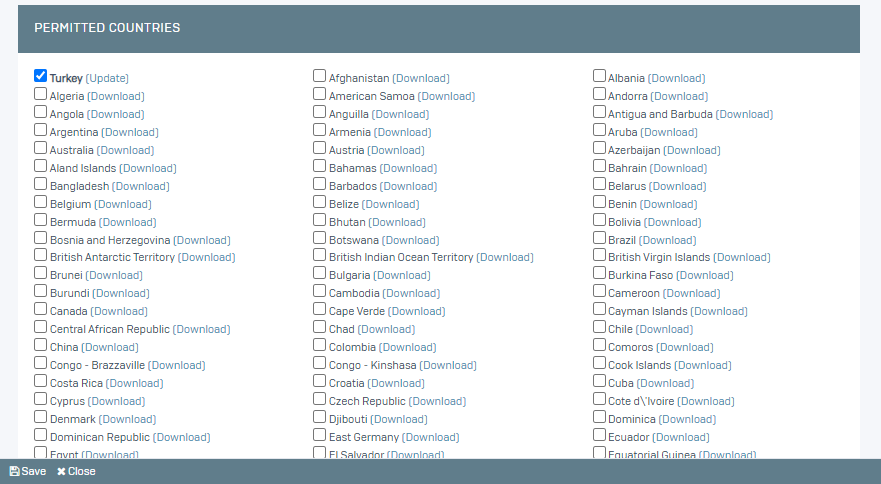
For country-based privilege definition; Turkey is selected by default on the screen that opens by clicking the Select Country button, you can allow by selecting the countries you want.
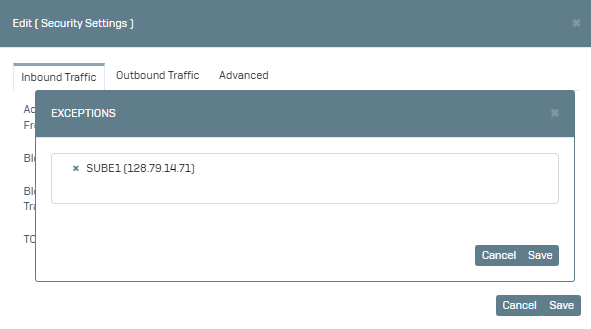
For IP Based privilege definition; You can allow the IP definitions you want on the screen that opens by clicking the IP Privileges button. (If the IP you specified is not in the list, you can create a new definition by going to the Definitions->Addresses menu to make a definition).
You can test it by saying Save.