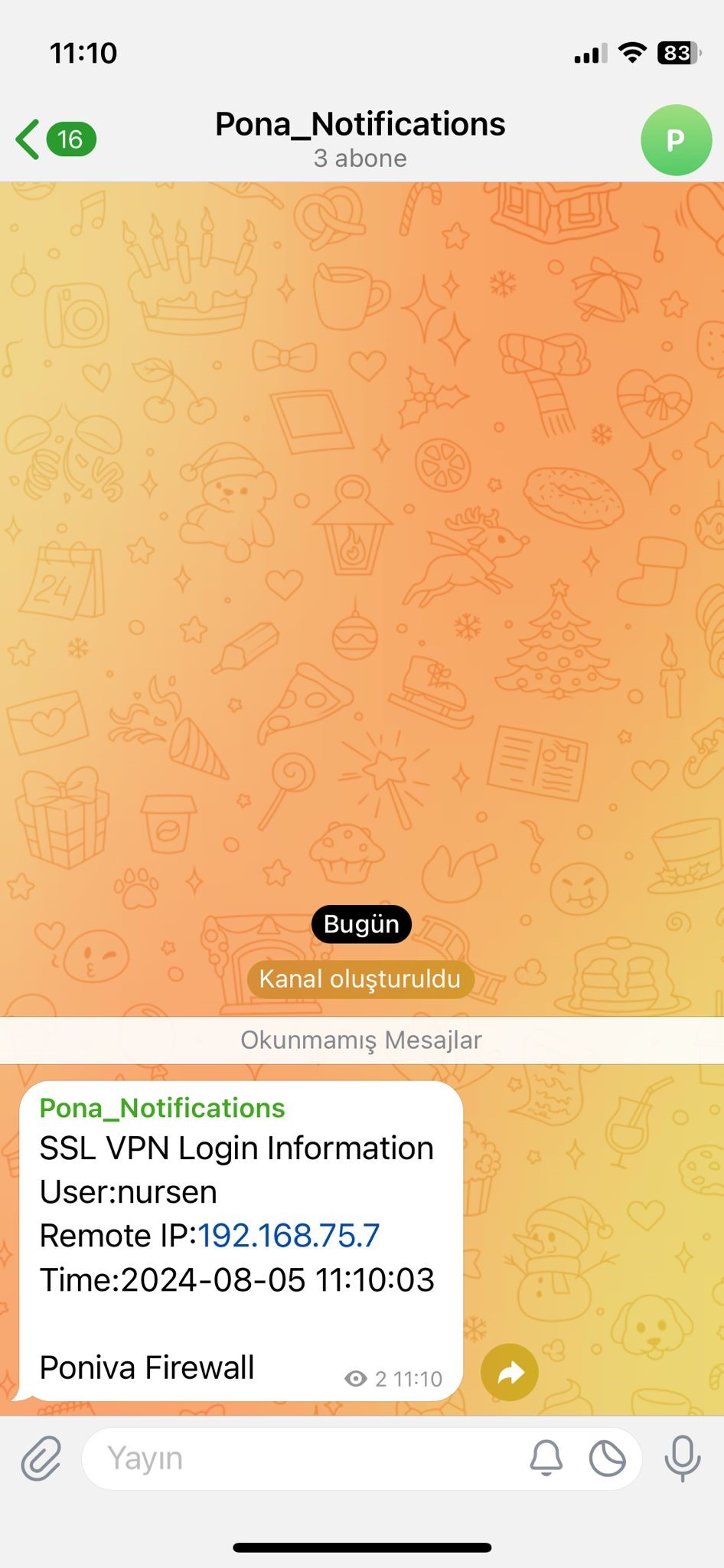
You can send notifications of SSL VPN, IPSEC VPN and WEB logins via Telegram.
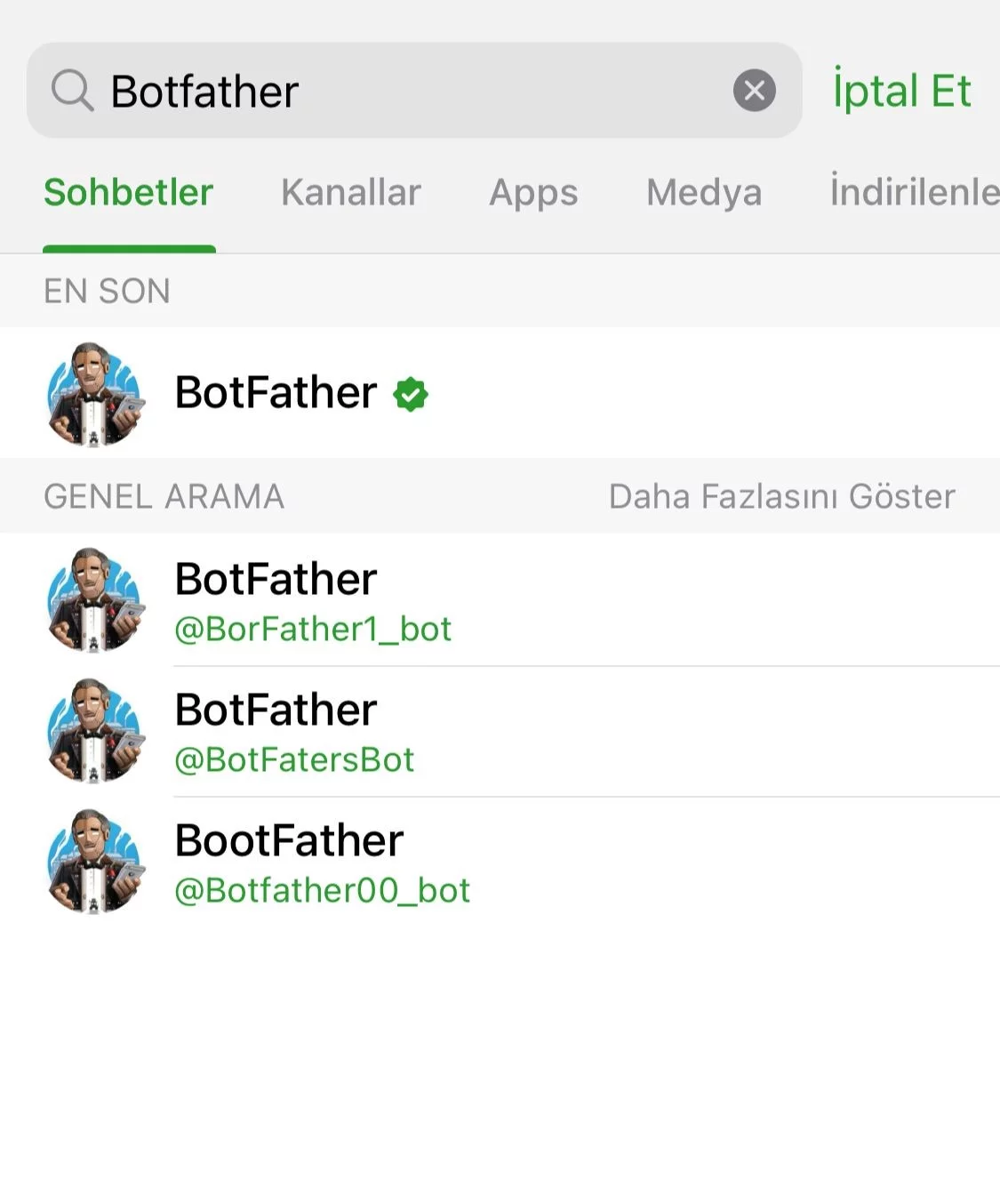
1- We open the Telegram app and type "Botfather" in the search field.
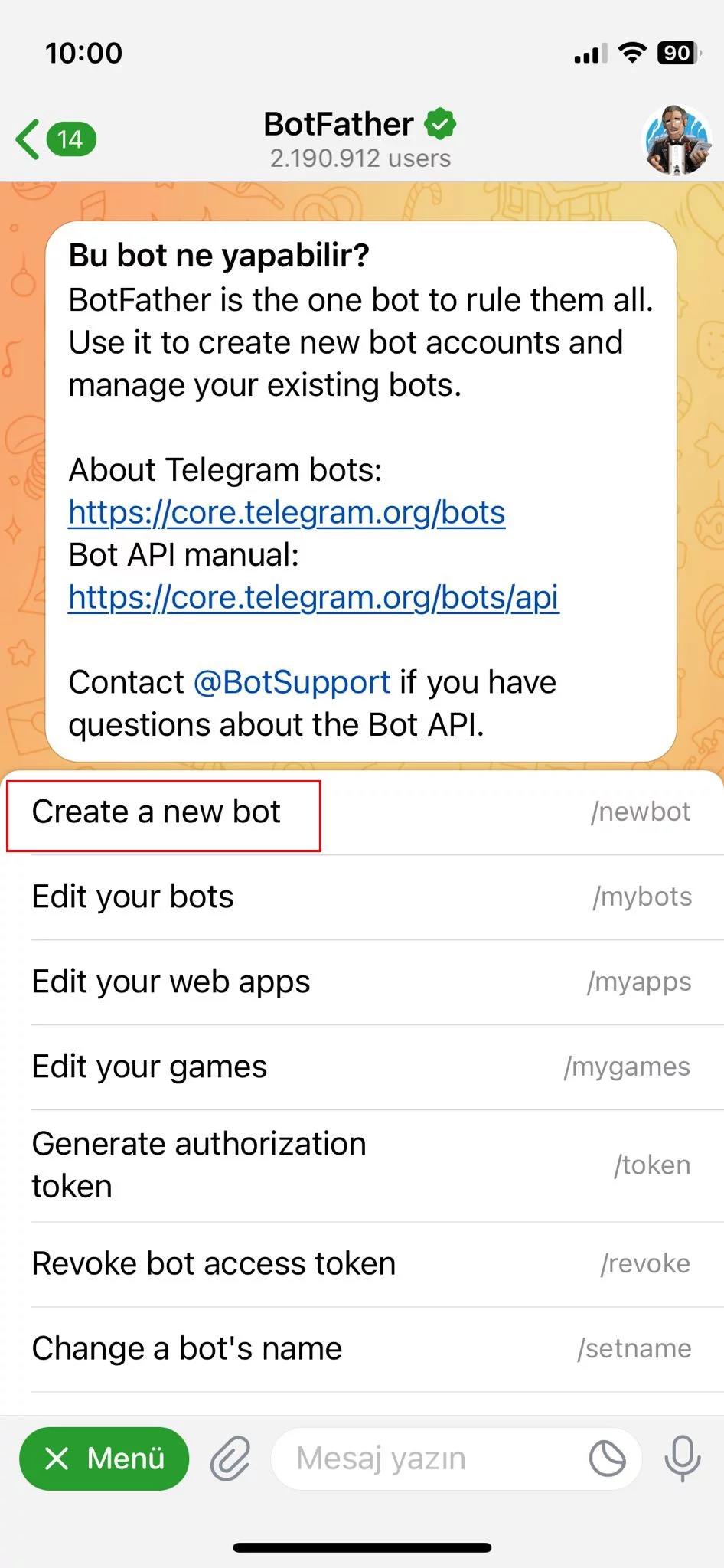
2- On the screen that opens, click on the "Menu" button and then click on "Create a new bot".
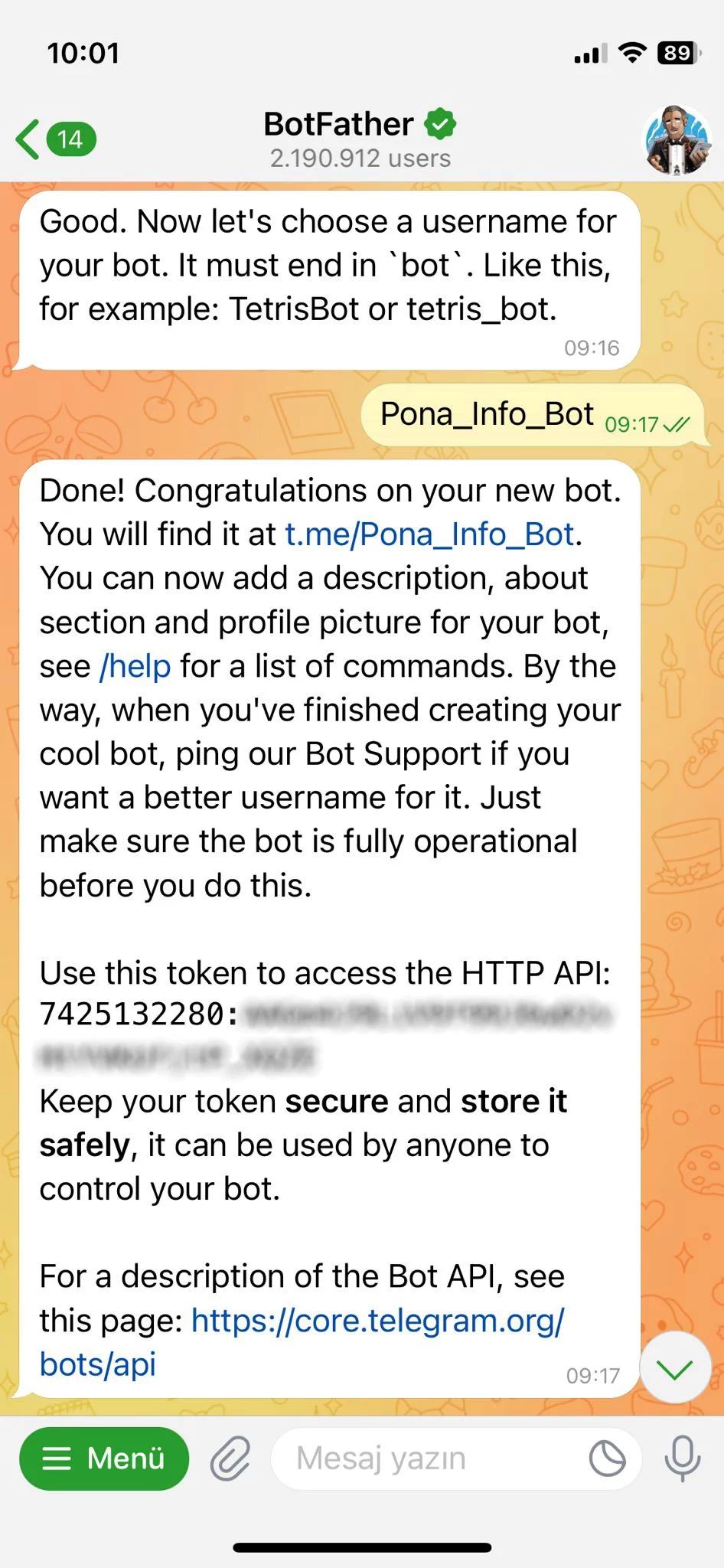
3- On the screen that opens, we give a name (Pona_Info_Bot) for the bot I want to create. We note the API information created and then we will use this information in the Poniva Firewall section.
4- Now we create a channel. Set the channel name as Pona_Notifications and select the channel type as "Public Channel".
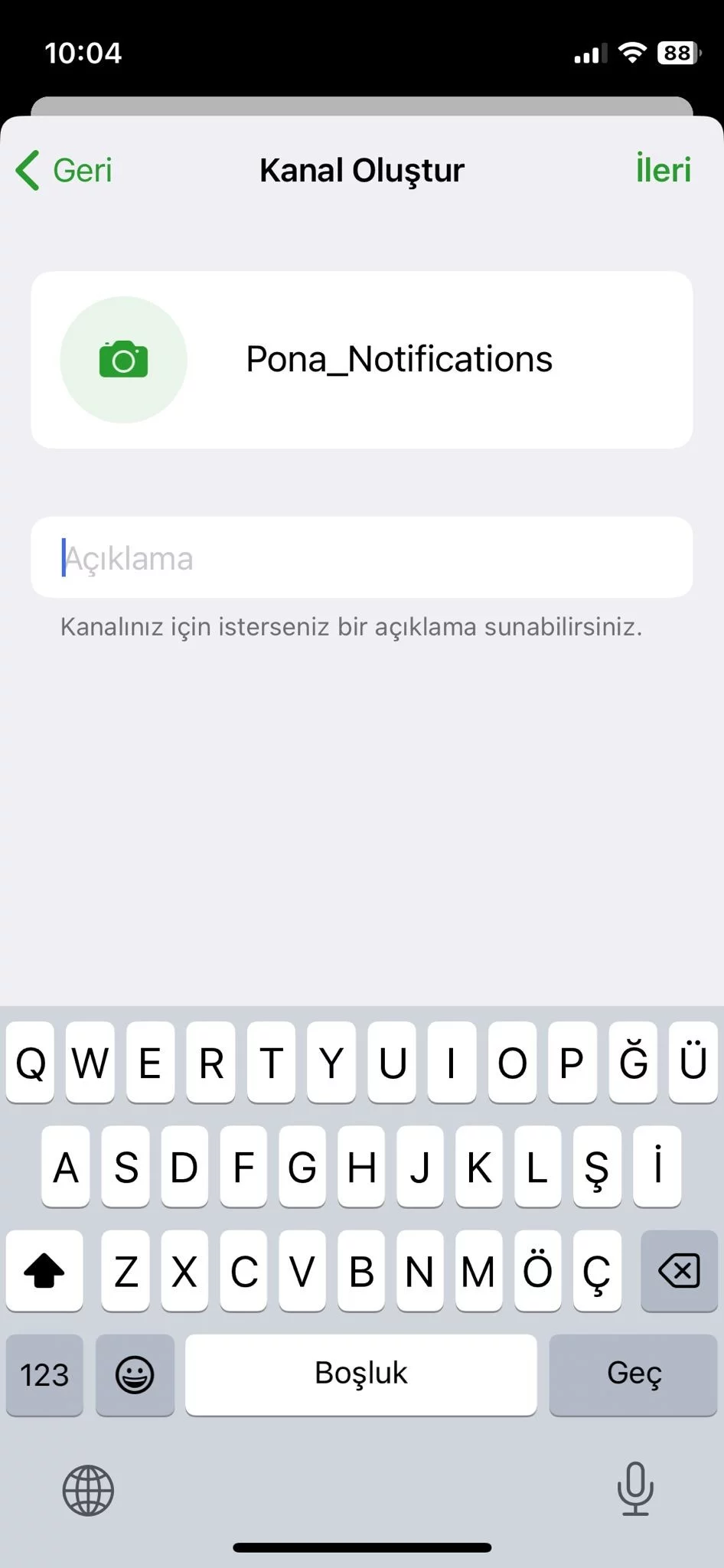
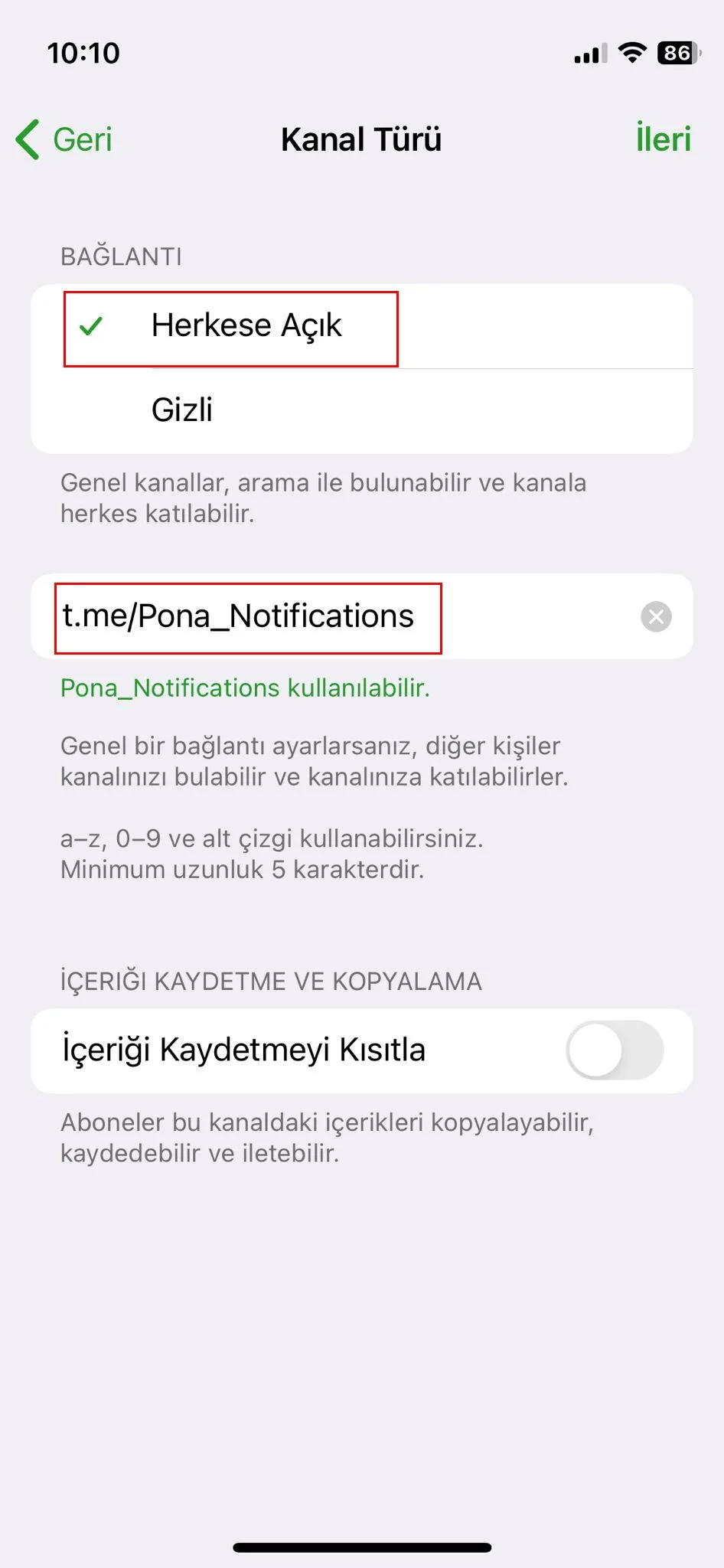
5- After creating our channel, we add our Pona_Info_Bot ap to the channel as administrator.
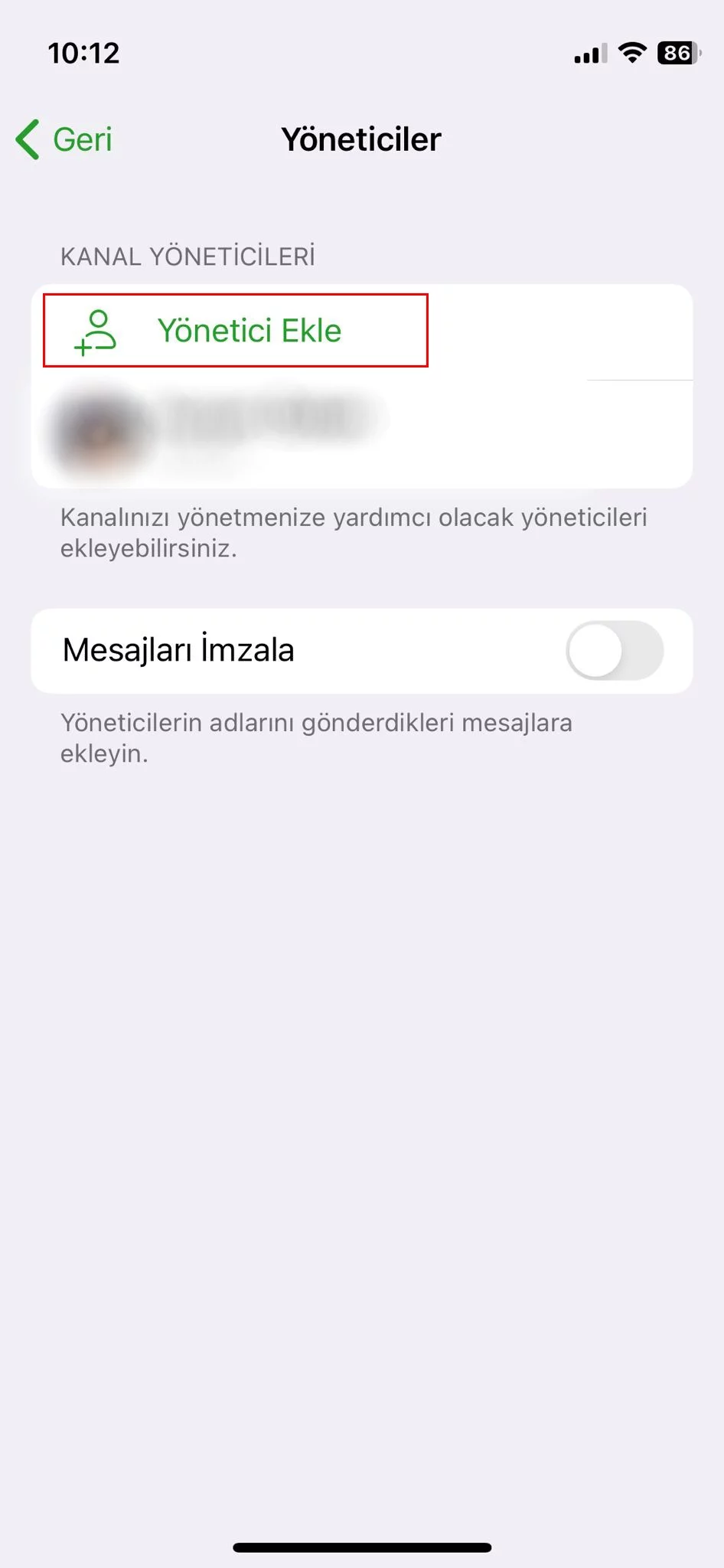
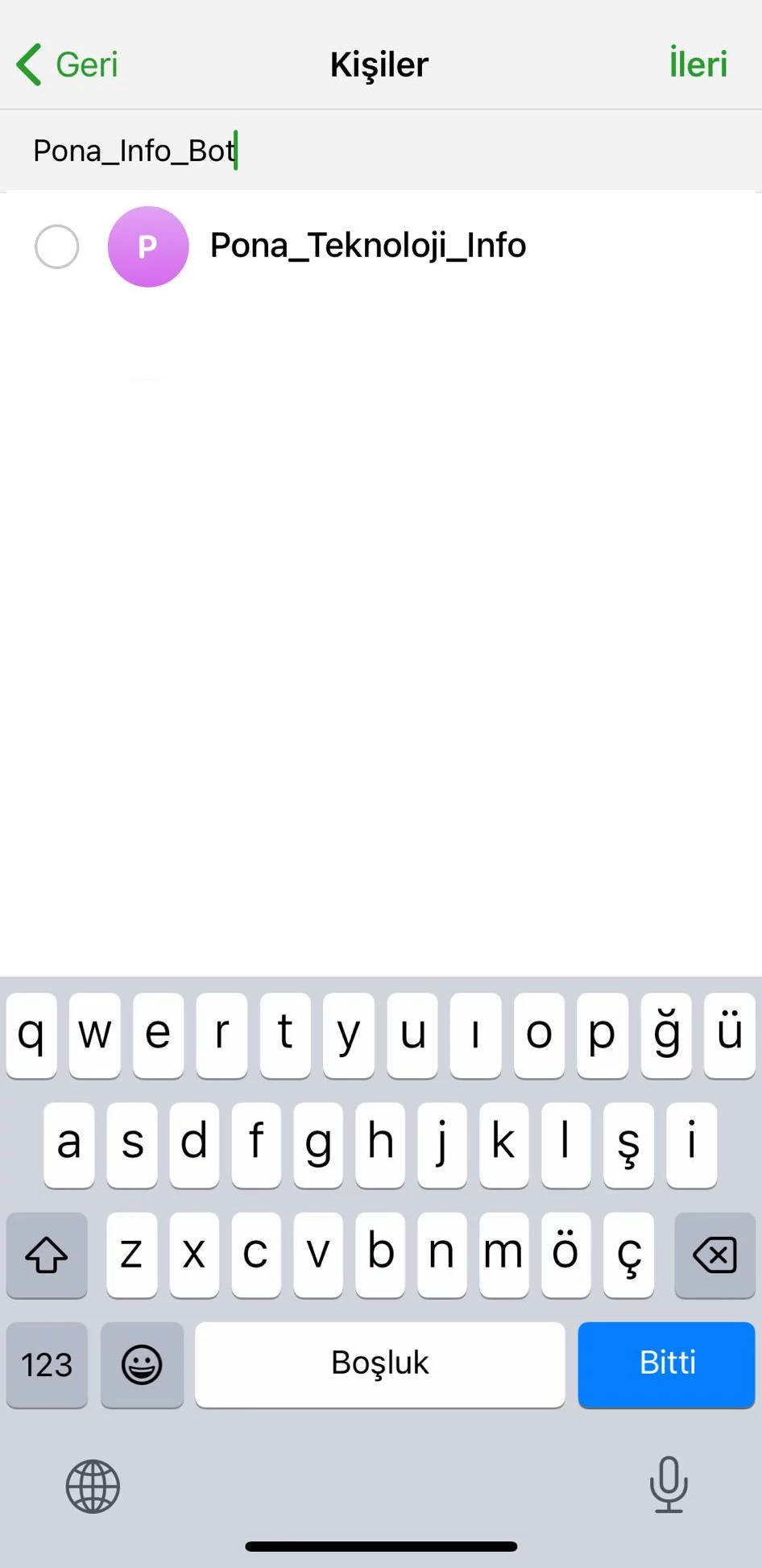
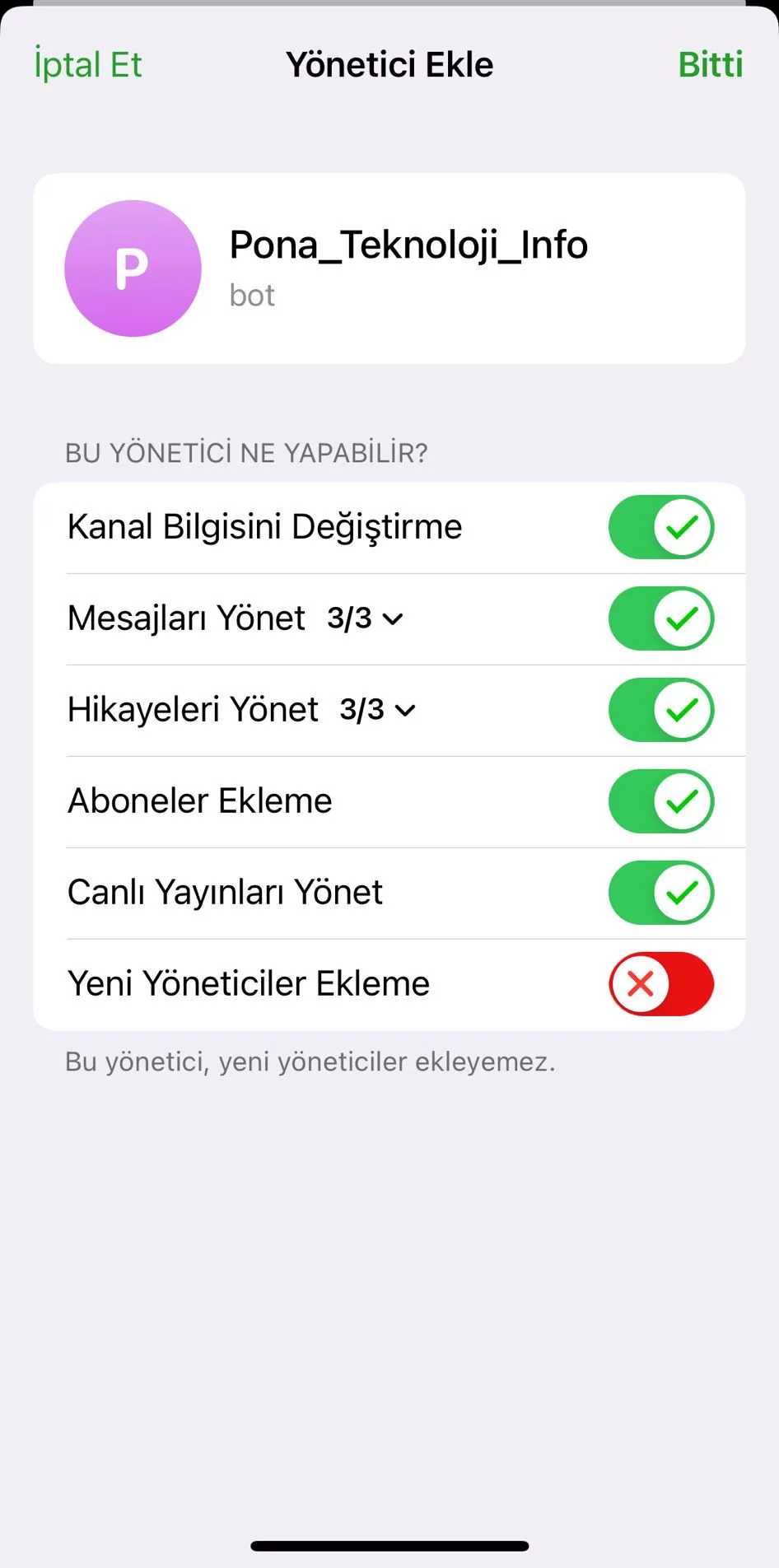
6- Our operations on the Telegram is completed. Now we configure the settings on the Poniva.
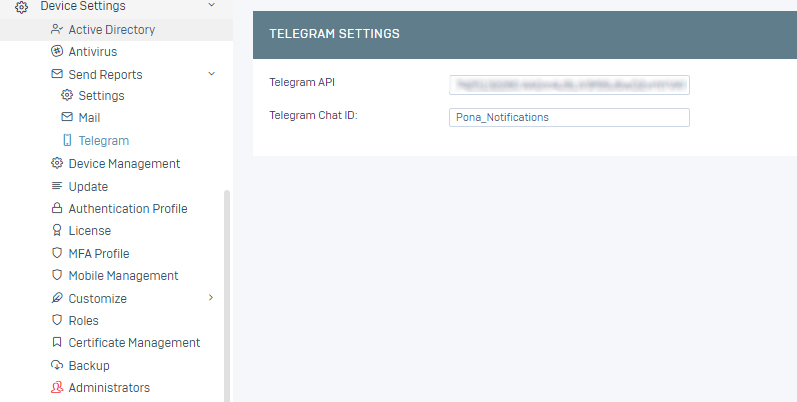
7- Main menu -> Device Settings -> Notification -> Telegram settings. Here, in the Telegram API section, we write the bot API we created above and enter the name of our channel.
8- Then go to Main menu -> Device Settings -> Notifications -> Settings. Here you can activate which notifications (SSL VPN, IPSEC, WEB Interface) you want to receive. We activate the telegram for SSL VPN and save.
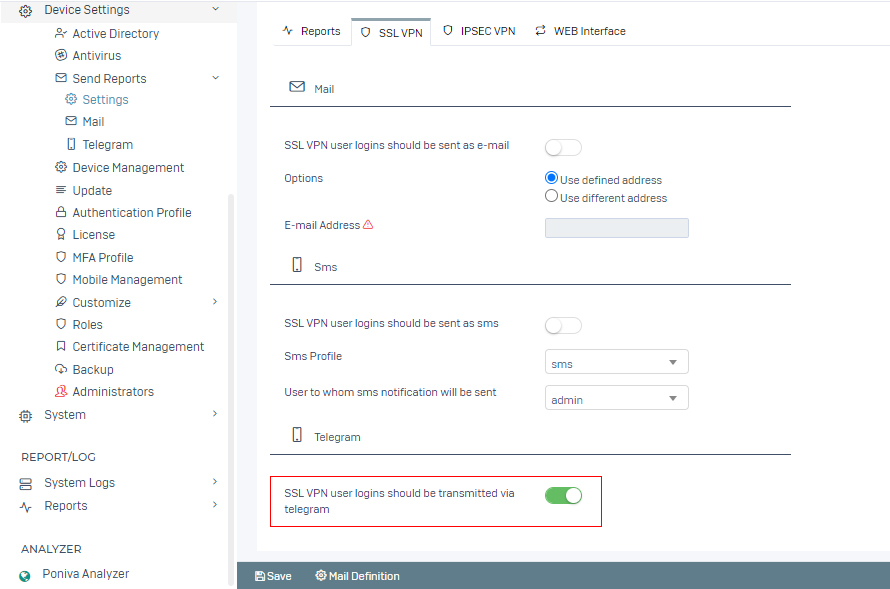
9- SSL VPN login information will now be transmitted via telegram.