This assumes that the SSL VPN service is active and you have user definitions.
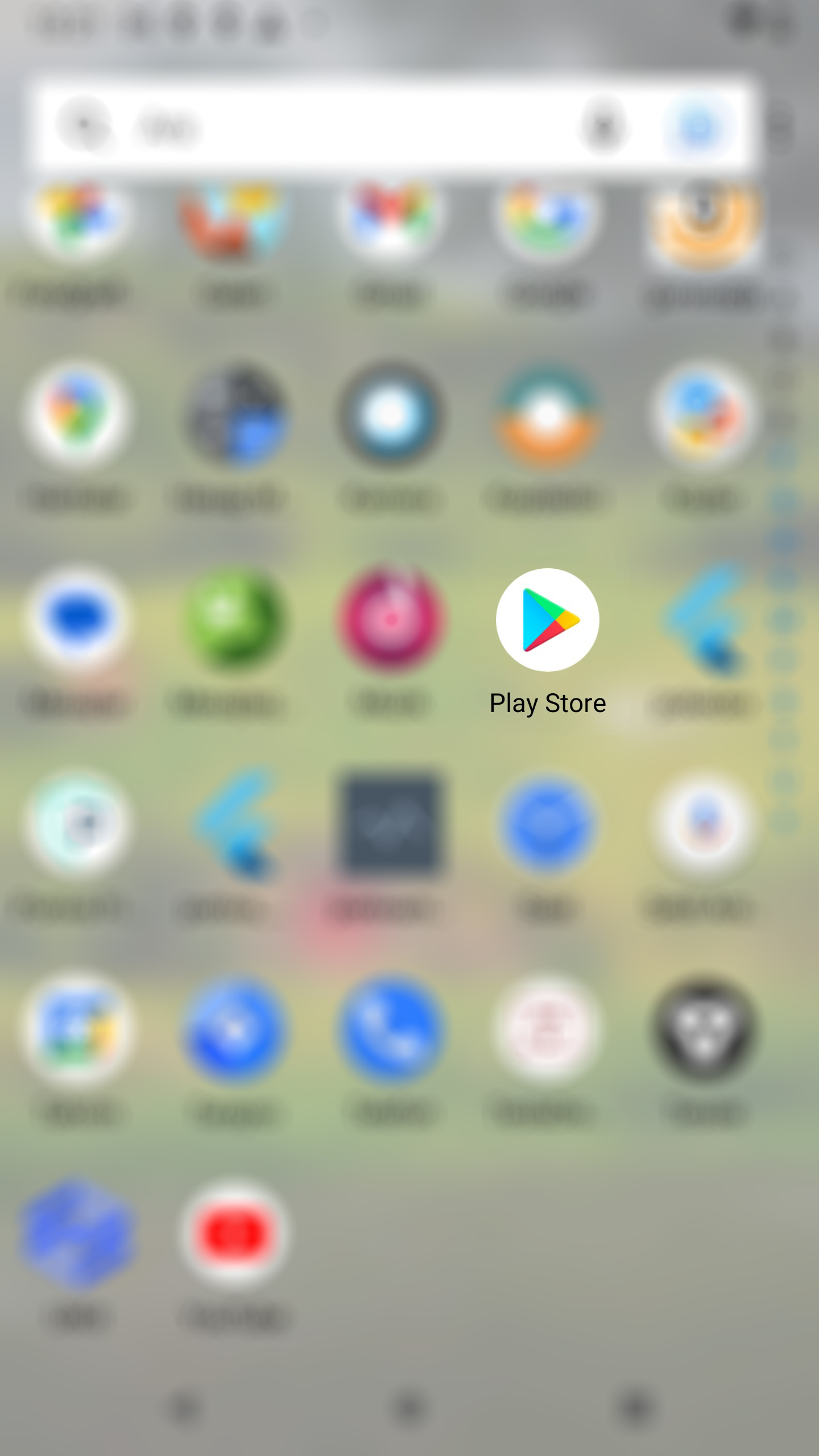
Click on the Google Play application on the main screen of your phone.
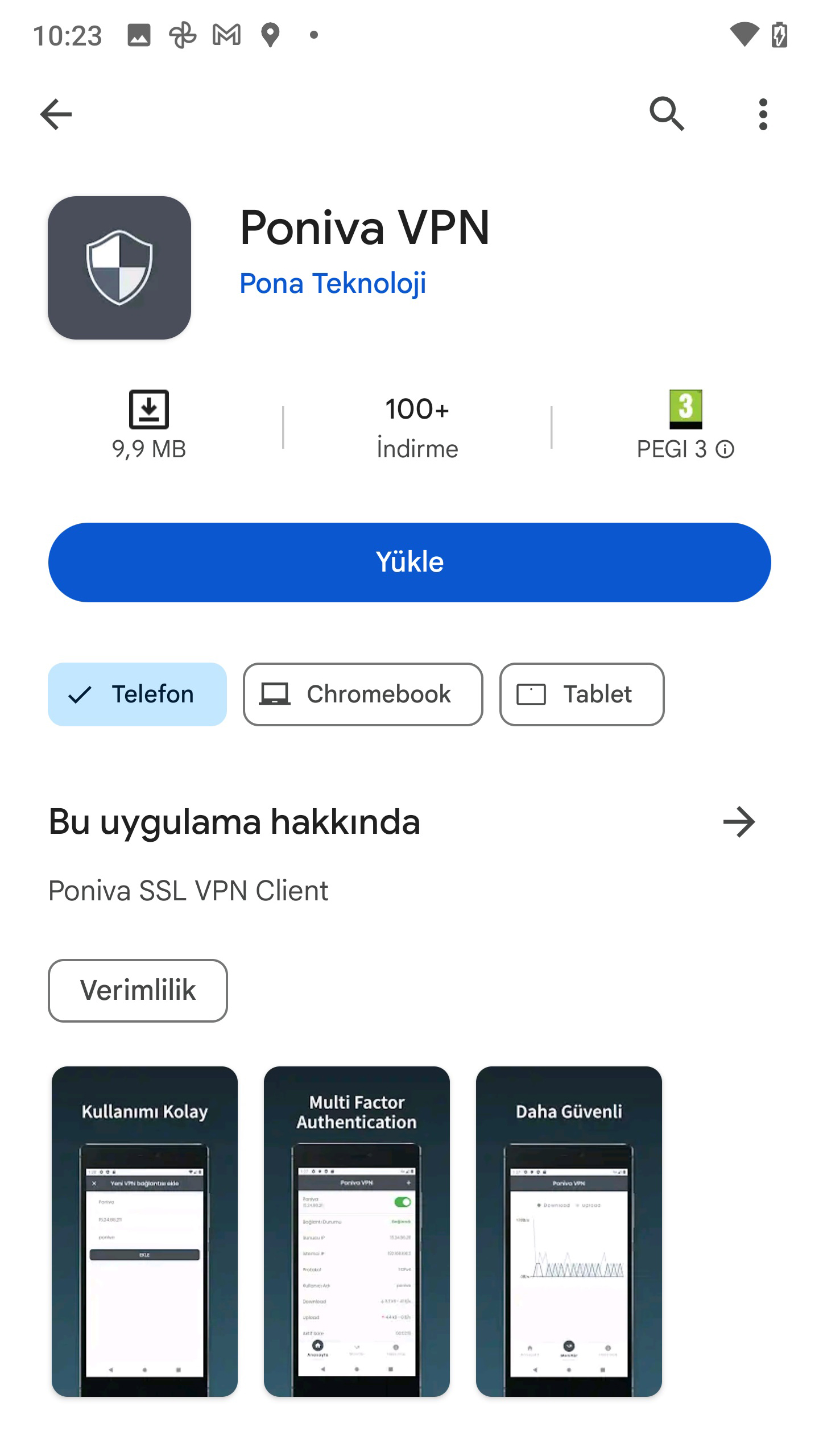
On the screen that opens, we type Poniva VPN in the search field and download the application that appears.
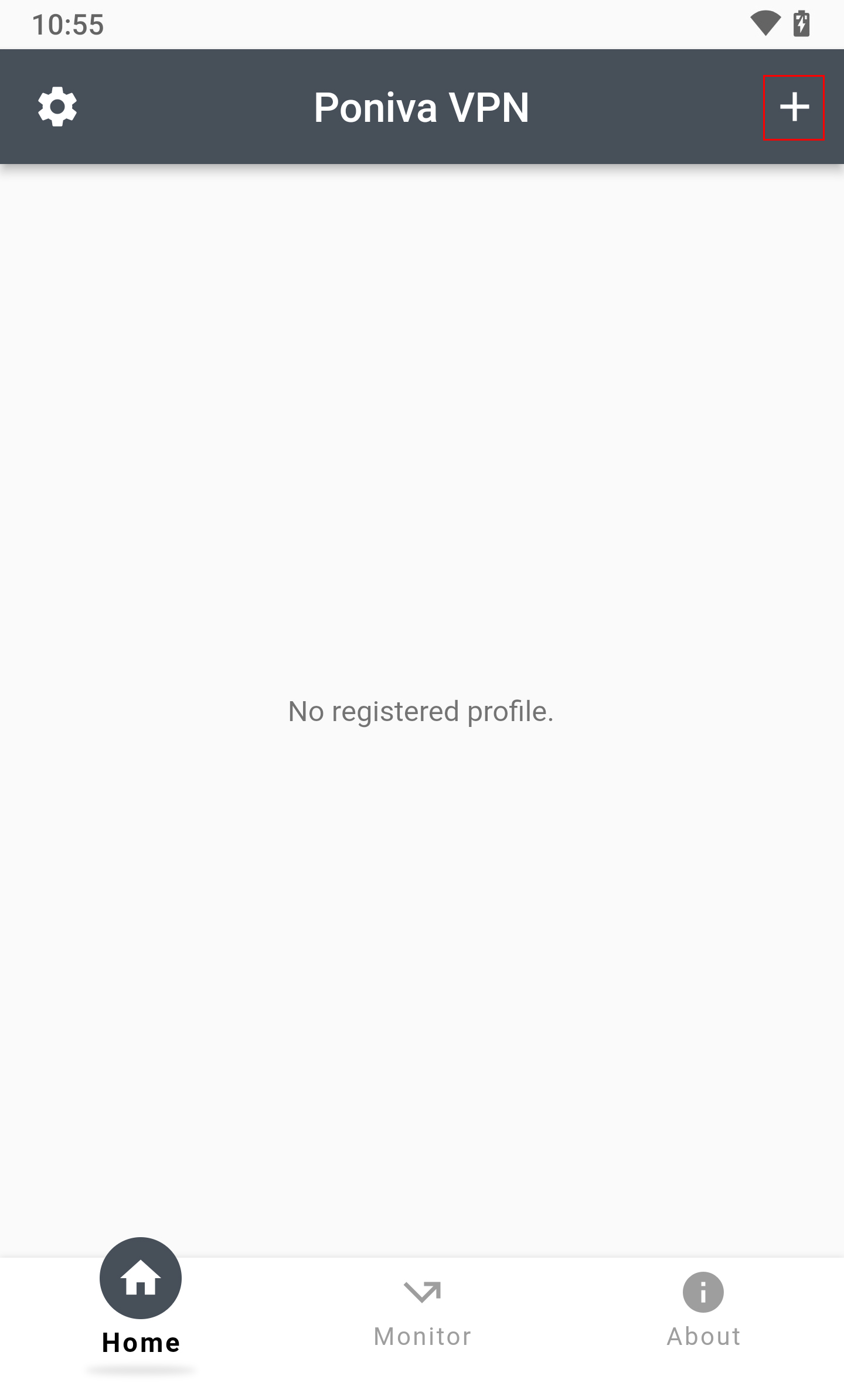
We open the application and add a new vpn definition by clicking the + button.
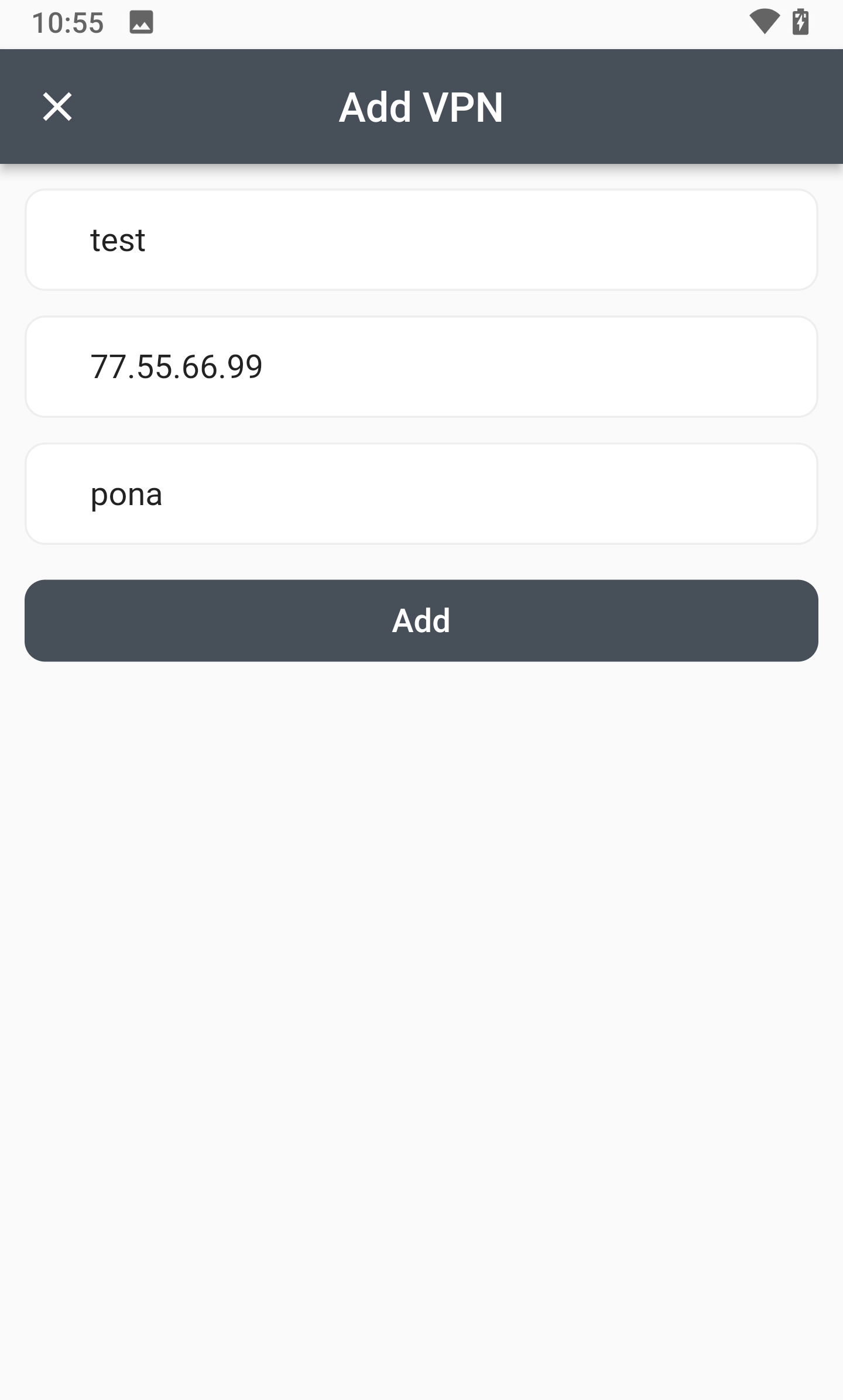
On the screen that opens, Vpn Name, Remote Gateway (Poniva Public IP address is typed), Username (the username you created in the Poniva interface is typed) fields are filled. Then click the Add button.
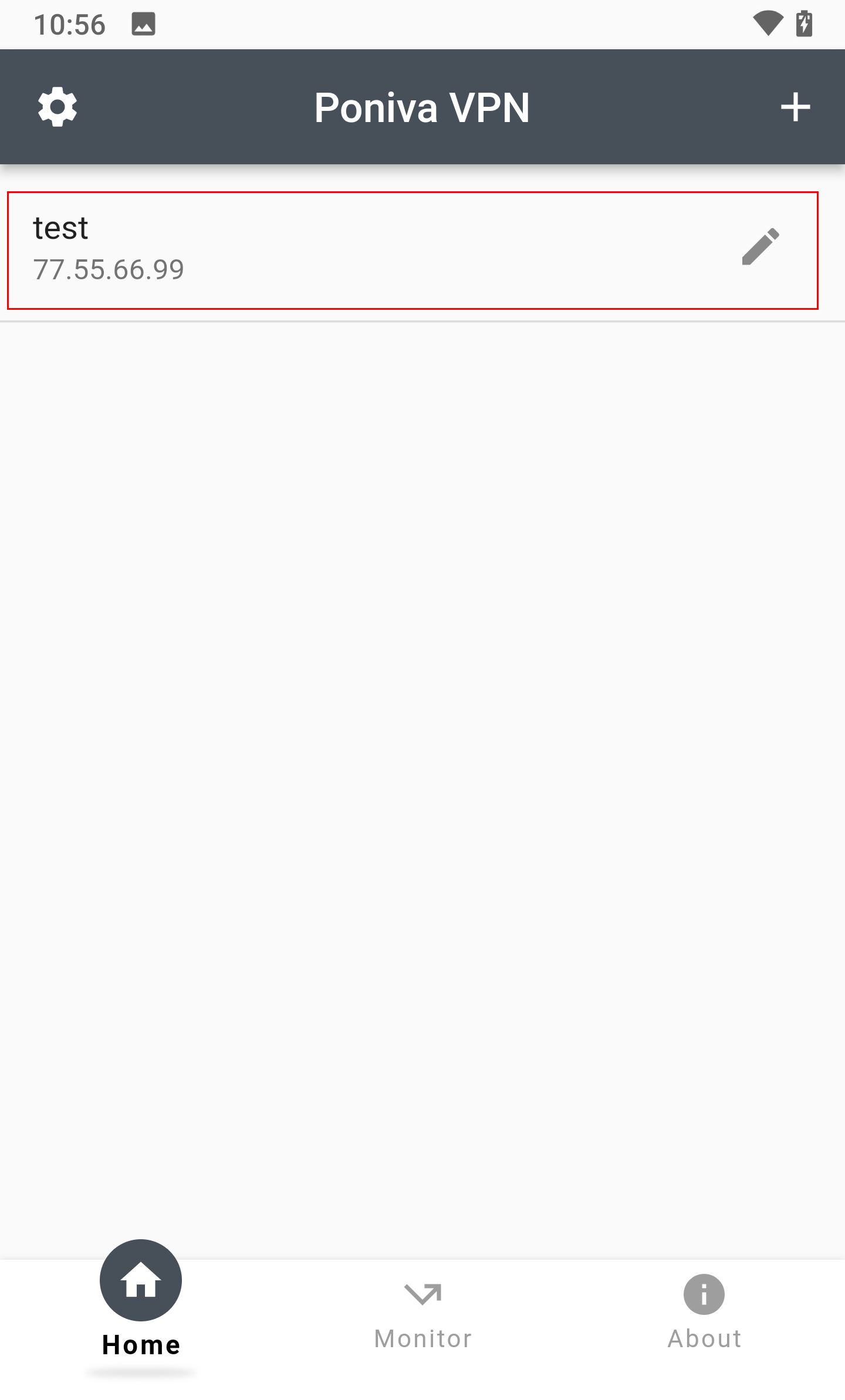
Click on the VPN you have defined.
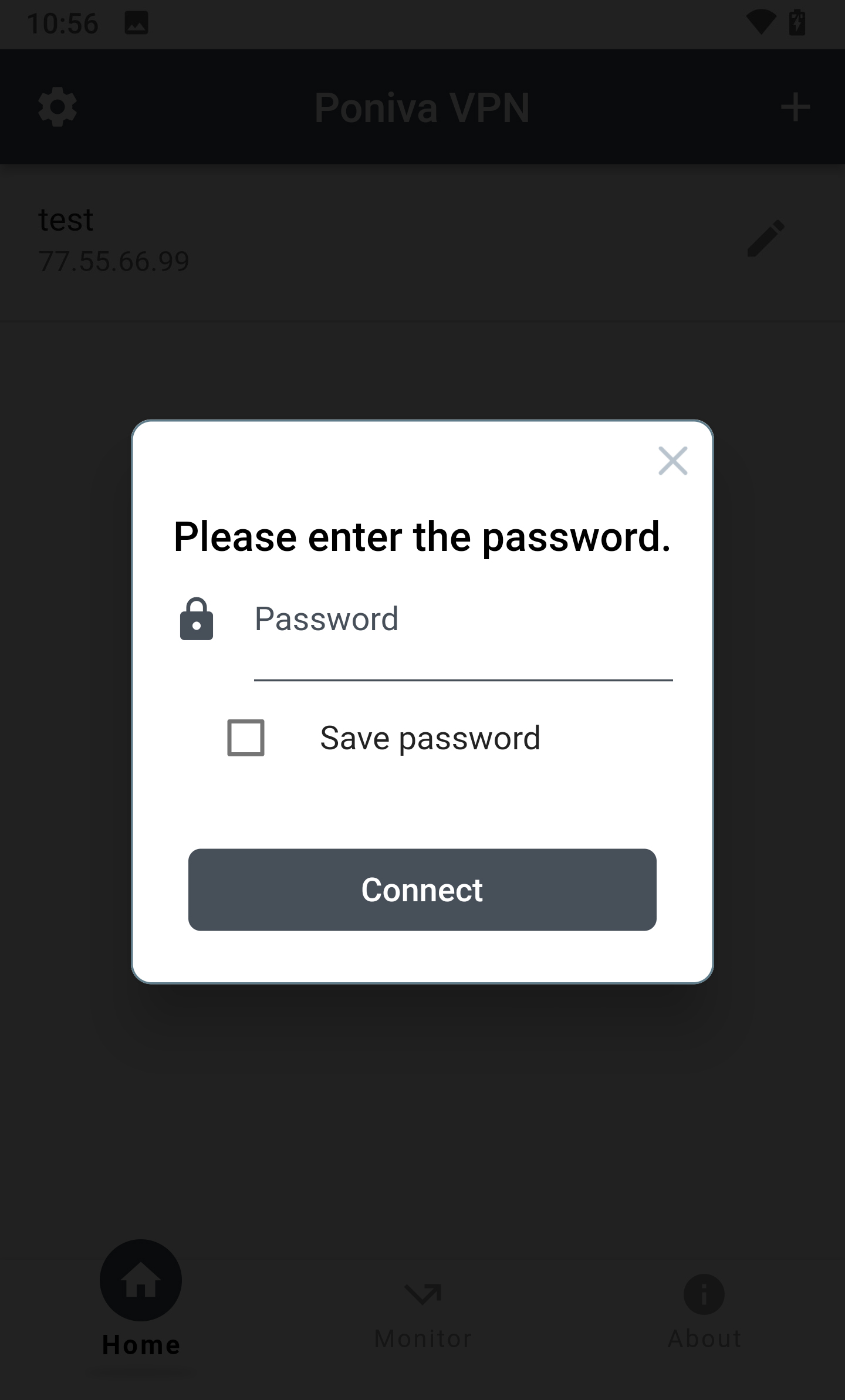
We enter the password defined for the user you created in the Poniva interface.
You must Allow the Connection Request warning that appears while establishing a connection.
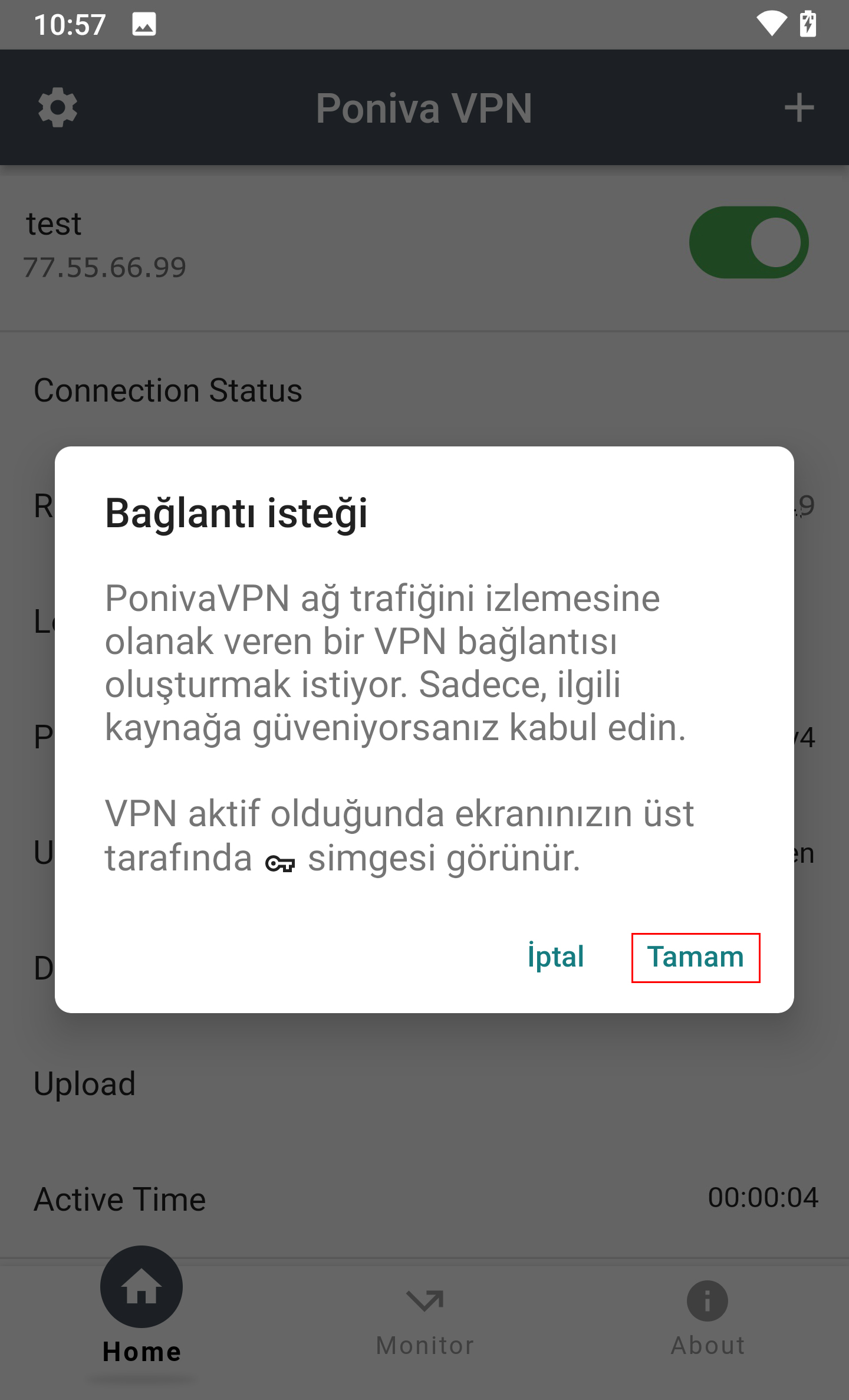
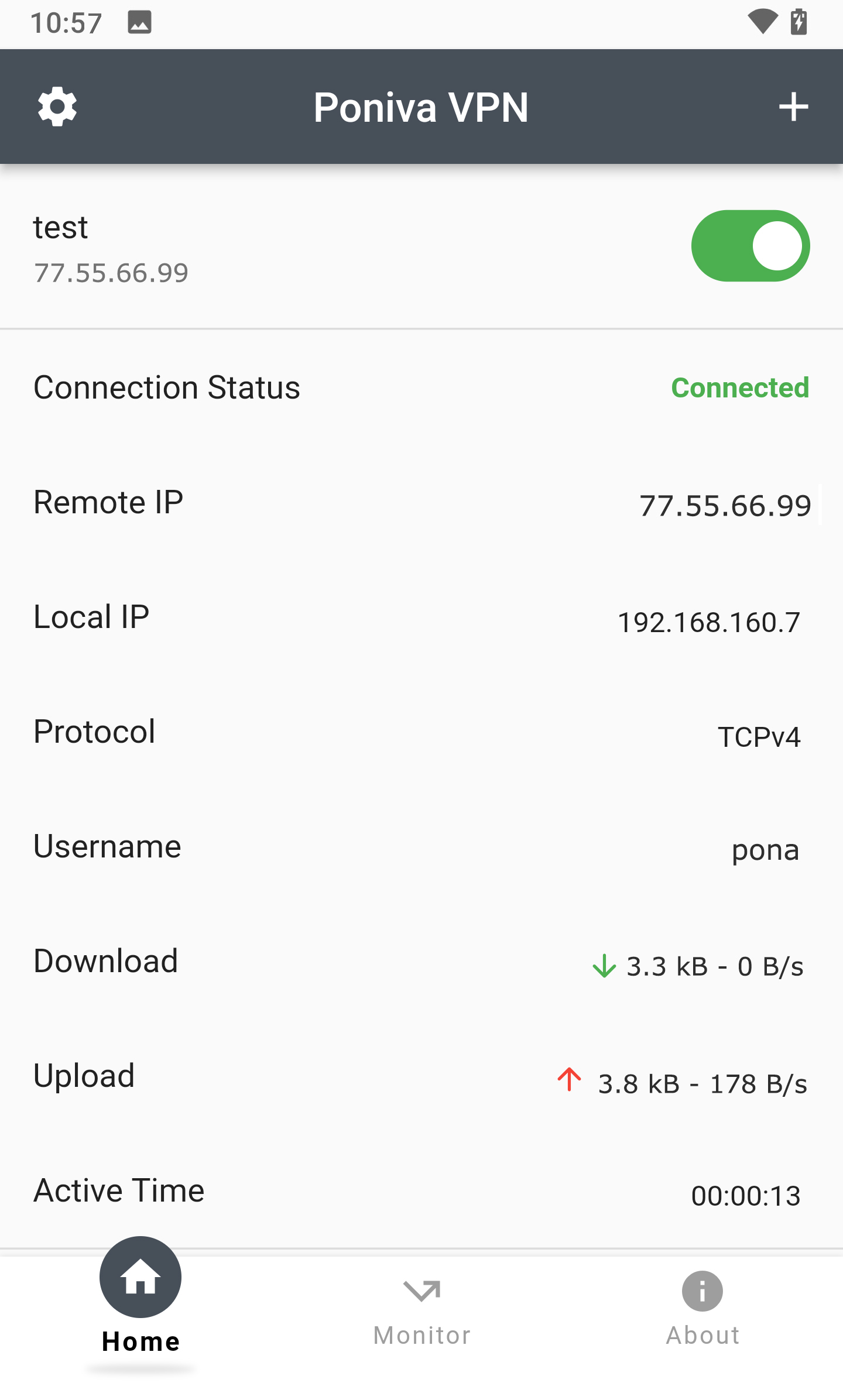
Your VPN connection is established.