
By creating site categories on your device, you can allow or block the sites you want. In category definitions, you can use domain name as well as expression (based on the word in the address bar).
For example, sites with "game" or "movie" in the address bar. You should make the allowed/prohibited selections related to the site categories you create here from the group administration.
In the example below, we assume that social media is selected as banned for default users. And we want to define whatsapp as allowed for these users. To add a new site category for this, click on the Definitions->Site Categories menu on the Interface screen.
Let's start configuring our new category by clicking Add Category.
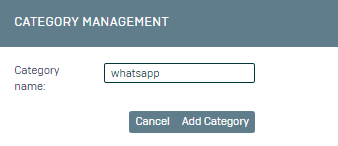
1- On the screen that opens, type "whatsapp" as the Category Name and click Add Category.
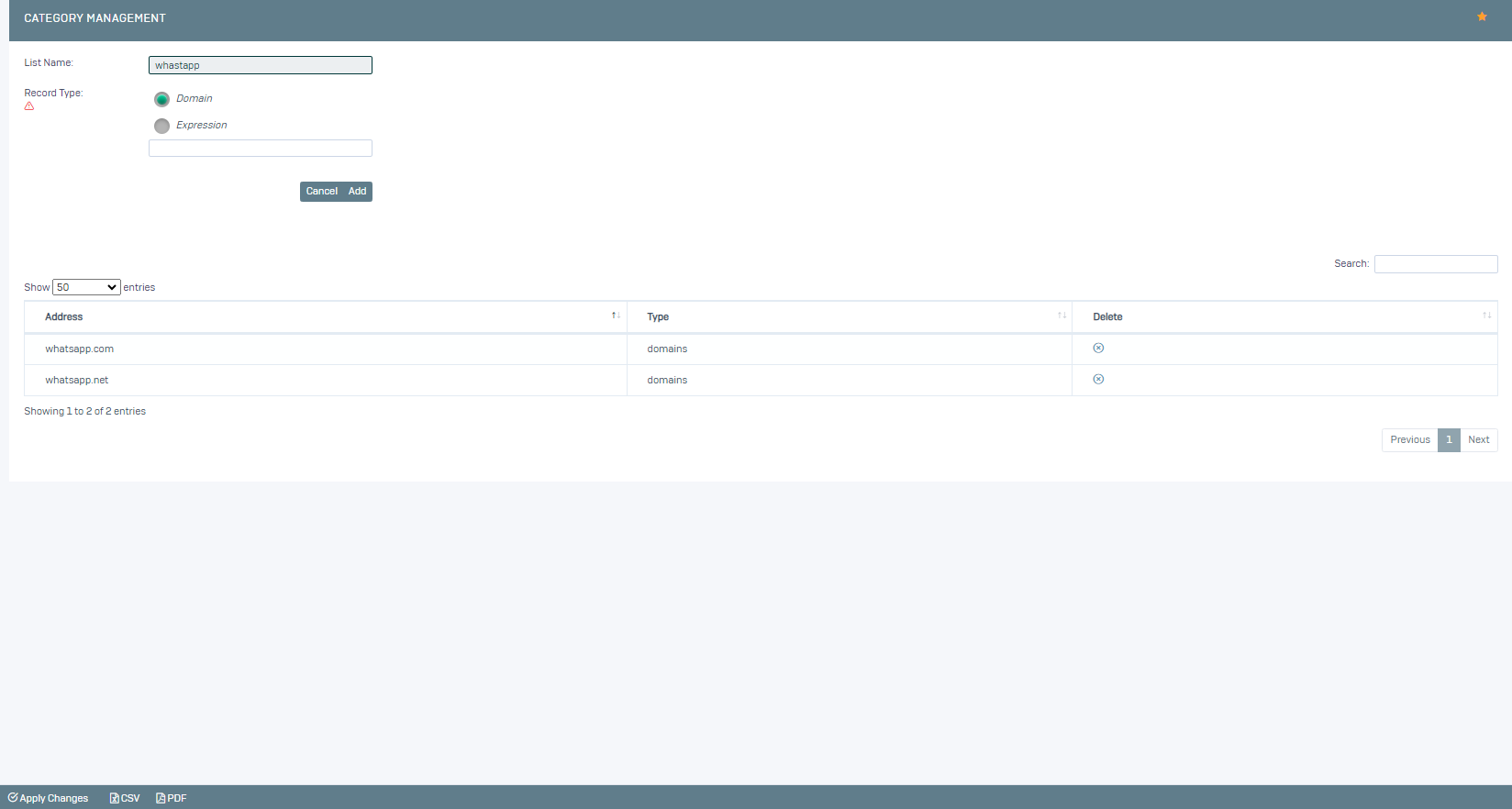
2- We add domain definitions for the category we created on the screen that opens. "whatsapp.com" and "whatsapp.net"
We have defined our category, now we go to the Settings->Web Filtering menu and select the relevant definition and here we select the category we just created as Whitelist.
You can now carry out your testing.