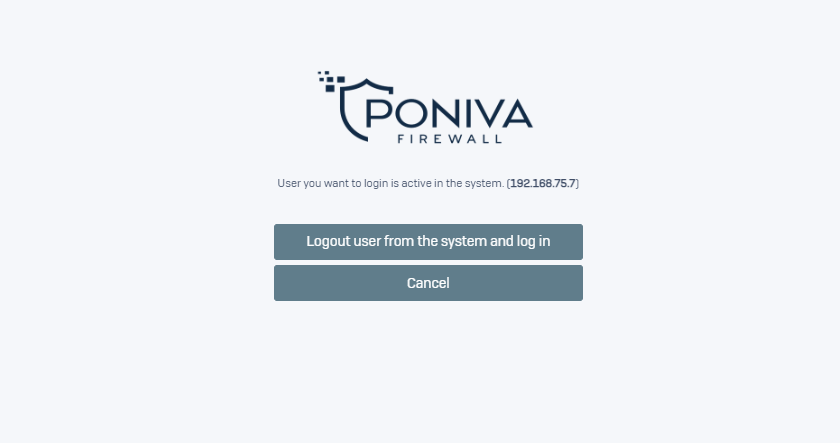
You can restrict multiple access to the Poniva web interface with the same user.
Click on Device Settings->Device Management menu on the interface screen.
On the screen that opens, click on the PANEL MANAGEMENT field.
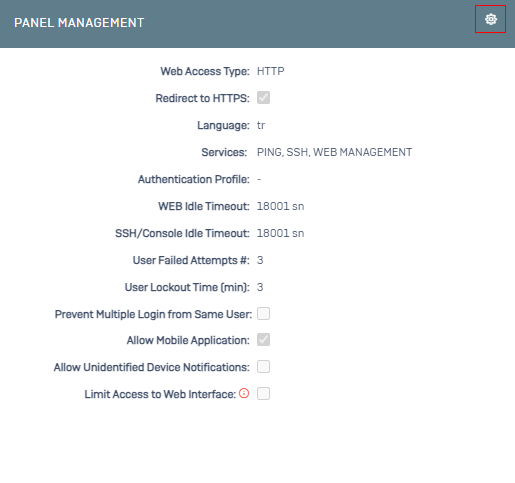
On the screen that opens, we activate the Block Multiple Logins with the Same User option.
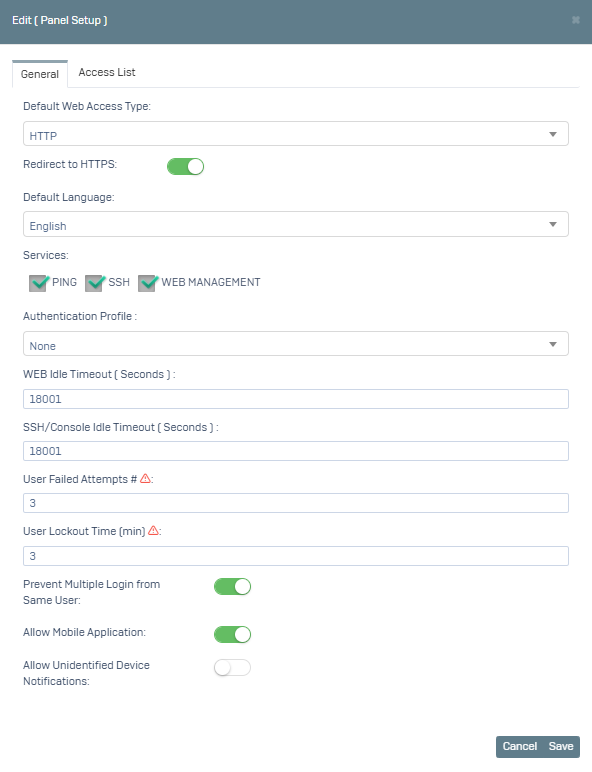
You can test it by clicked Save.