
To add a new Bandwidth rule, we first activate the Bandwidth service. On the interface screen, click on the Settings->Bandwidth->Settings menu.
After activating the Service Active option, save.
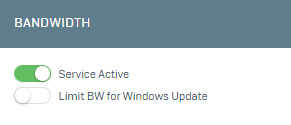
Then click on the Settings->Bandwidth->Definition menu on the Interface screen.
Before adding a bandwidth rule, you need to create a definition. For this, let's start the configuration by clicking Add on the screen that opens.
1- On the screen that opens, fill in the Bandwidth Definition, Maximum Bandwidth, Valid for Each IP fields. If you activate the Valid for Each IP option here; the maximum bandwidth is applied for each user, otherwise it is applied for all.
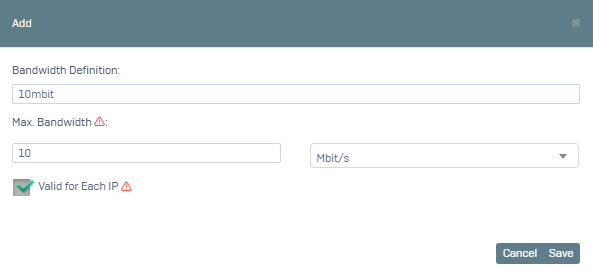
After clicking Save, click on Settings->Bandwidth->Rules to create a rule.
Let's start the configuration by clicking on Add.
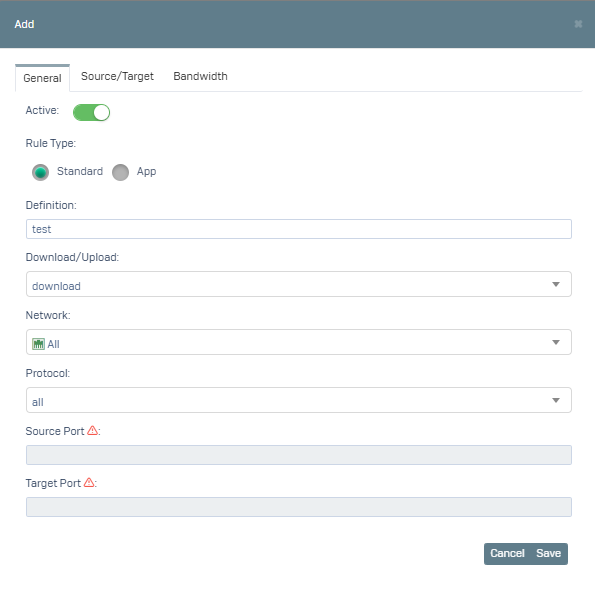
1- On the screen that opens, we activate the service status in the General tab. We select Rule Type Standard. Download/Upload, Network (for which interfaces it will be valid) and Protocol (we can make it valid for all protocols by selecting all or you can also select specific protocols) fields are filled.
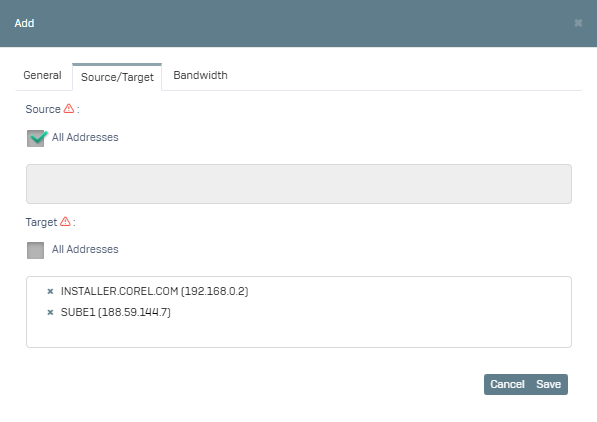
2- Switch to the Source/Target tab, here the Source Address field is the field where we specify from which address the request will be sent. You can activate the All Addresses option as Source Address or you can select specific address definitions. Target Address field is the field where we specify to which address the request is sent. You can activate the All Addresses option as the Target Address or you can select specific address definitions. If the address definition you want to add is not in the list, you can make the relevant definitions by going to the Definitions->Addresses menu.
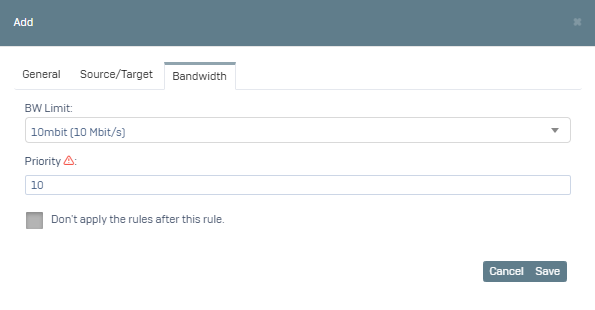
3- Switch to the Bandwidth tab, here we select the bandwidth definition we created in the first step in the BW Limit field. When the option to apply rules after this rule is activated, if you have subsequent rule definitions, they will not be applied.
After you click Save, our rule was applied.
When you create a general rule, you may want to exempt certain users from the rule. For this, you can go to Settings->Bandwidth->Privilege and define the relevant IP or Network.