With the SafeSearch feature, you can prevent malicious results from appearing in search engines,
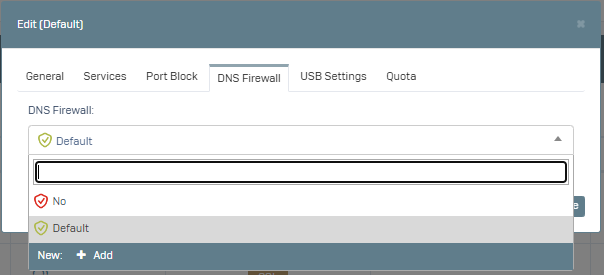
To use this feature, your Poniva device has a DNS firewall definition by default. If you wish, you can create a new definition by going to Settings->DNS Firewall menu.
You can activate these definitions for any group in the Settings->Group Management menu.
For example:
Click on the Default group, in the window that opens you can select the DNS Firewall option as default or click on Add and create a new definition. Then simply select and save the relevant definition.