
You can customise the Hotspot Login page.
*In order to use the Hotspot feature, you need to connect an Access point to your Firewall or Switch.
For hotspot configuration, click on the Hotspot->Settings menu on the Interface screen.
Click on the Theme Settings option.
On the screen that opens, you can configure the colours according to your preference.
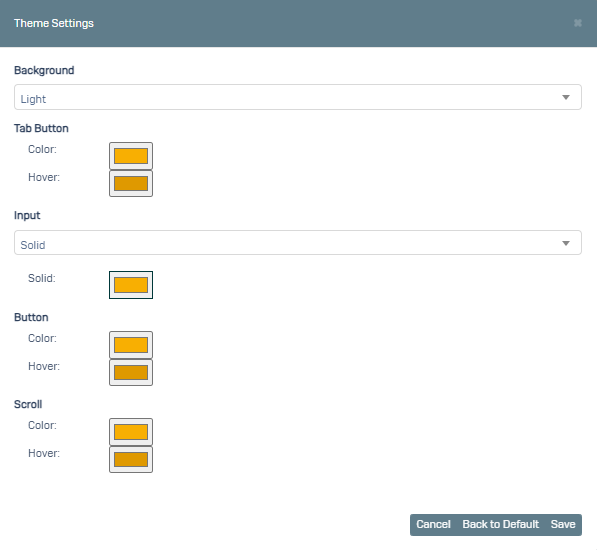
When you click Return to Default, it will return to the default theme settings.
You can test it after clicked Save.
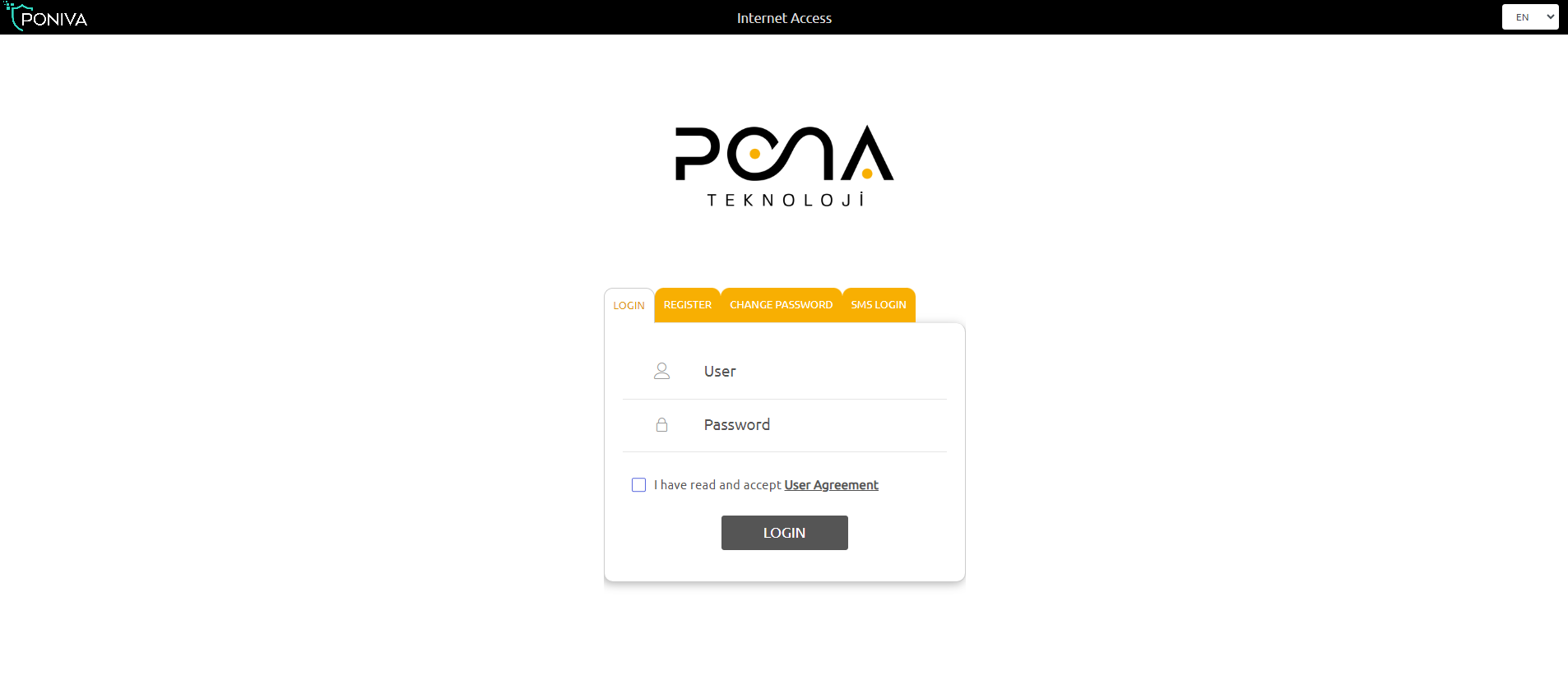
If you want to change the logo, click on the Device Settings->Customisation->Page Customisation menu.

Here you can upload a logo in png format by clicking on the upload button under Hotspot Page Actions.