
When you activate the Hotspot Service, you can create manual users or you can register your users with Turkish ID / Passport ID.
Here we will define the user manually.
Click on the Hotspot->Users menu on the interface screen.
Click on the Add option.
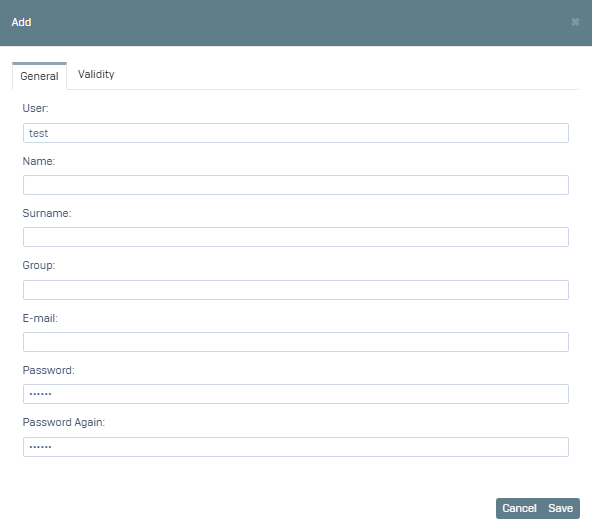
1- On the screen that opens, fill in the User, Password fields in the General tab. Other options are optional.
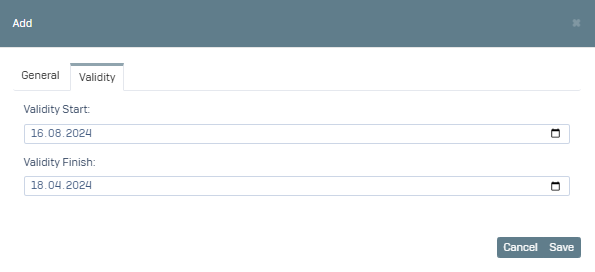
2- Go to the Validity tab, here you can specify the validity for the user you will create. For example, we can say that this user will be valid between 16.08.2024 and 18.08.2024.
After click Save, you can log in from the Hotspot Login screen with this user information.