
In the existing categories, Social Media includes Facebook and other social media platforms, but if you want to block only Facebook, you can follow the steps below.
To add a new site category, click on the Definitions->Site Categories menu on the Interface screen.
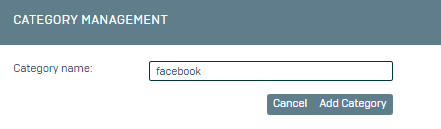
1- On the screen that opens, type "facebook" as Category Name and click Add Category.
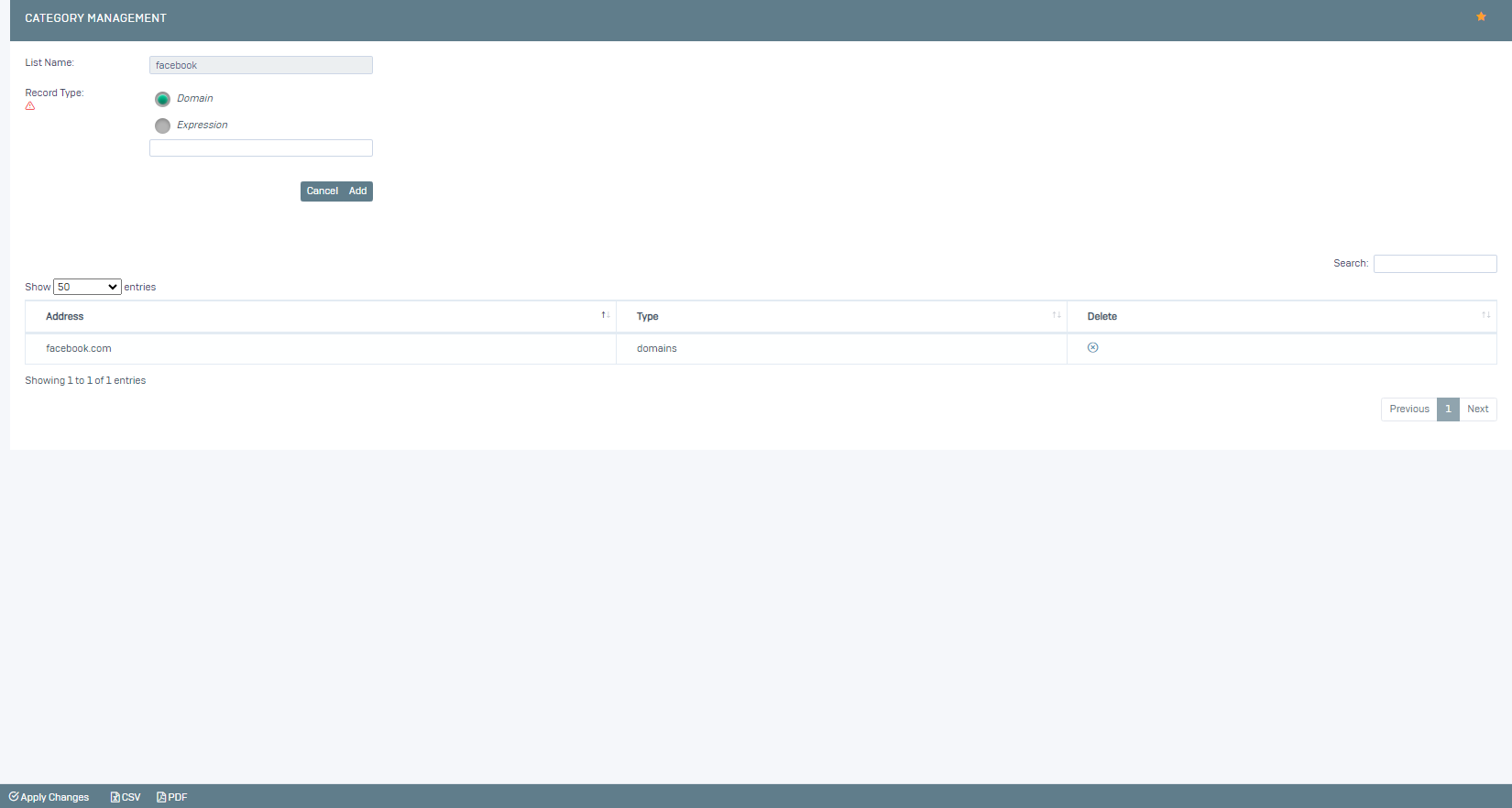
2- We add a domain definition for the category we created on the screen that opens. "facebook.com"
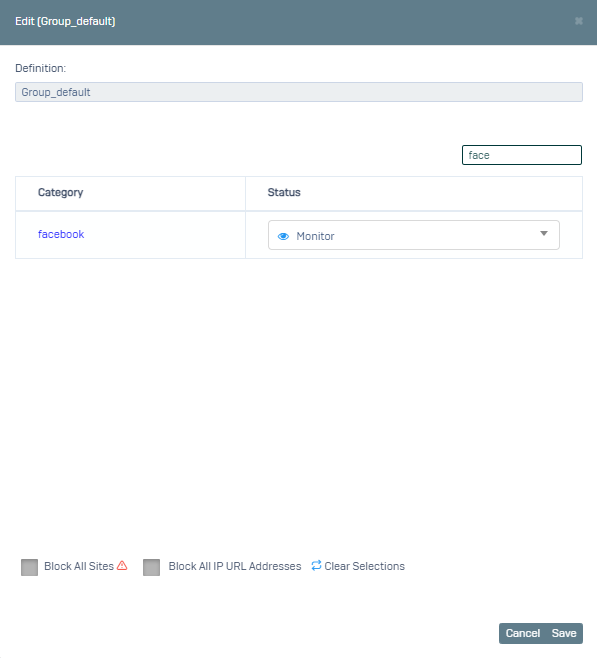
We have defined our category, now we go to the Settings->Web Filtering menu and select the relevant definition and here we select the category we just created as Banned.
You can also block Facebook from the Application Control menu.
On the interface screen, click on Settings->Application Control.
Let's create a new definition by clicking on Add. For example facebook_yasak
On the screen that opens, type facebook in the search field and you can block any of the related applications.
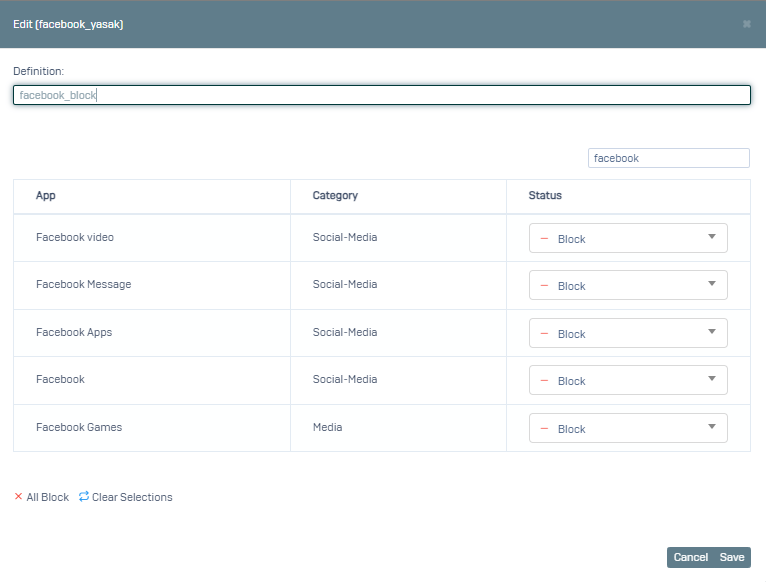
We say Save.
Now we activate the Application Control definition we created for the default group by going to the Settings->Group Management menu.
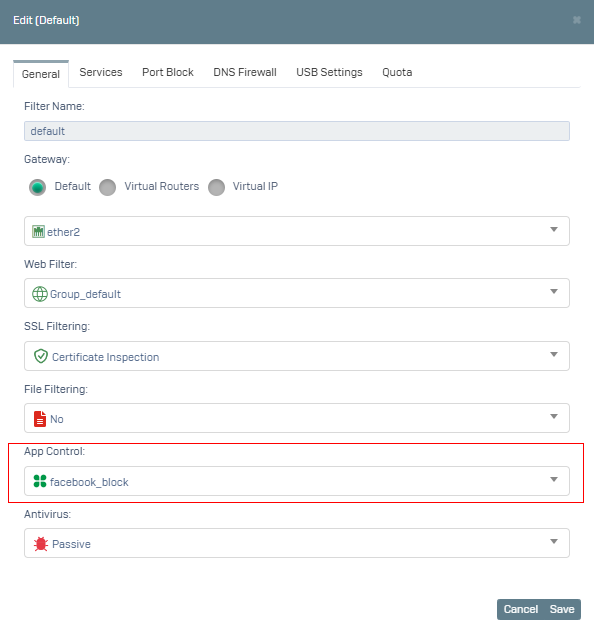
Now you can perform your test operations.